
Small Text Generator
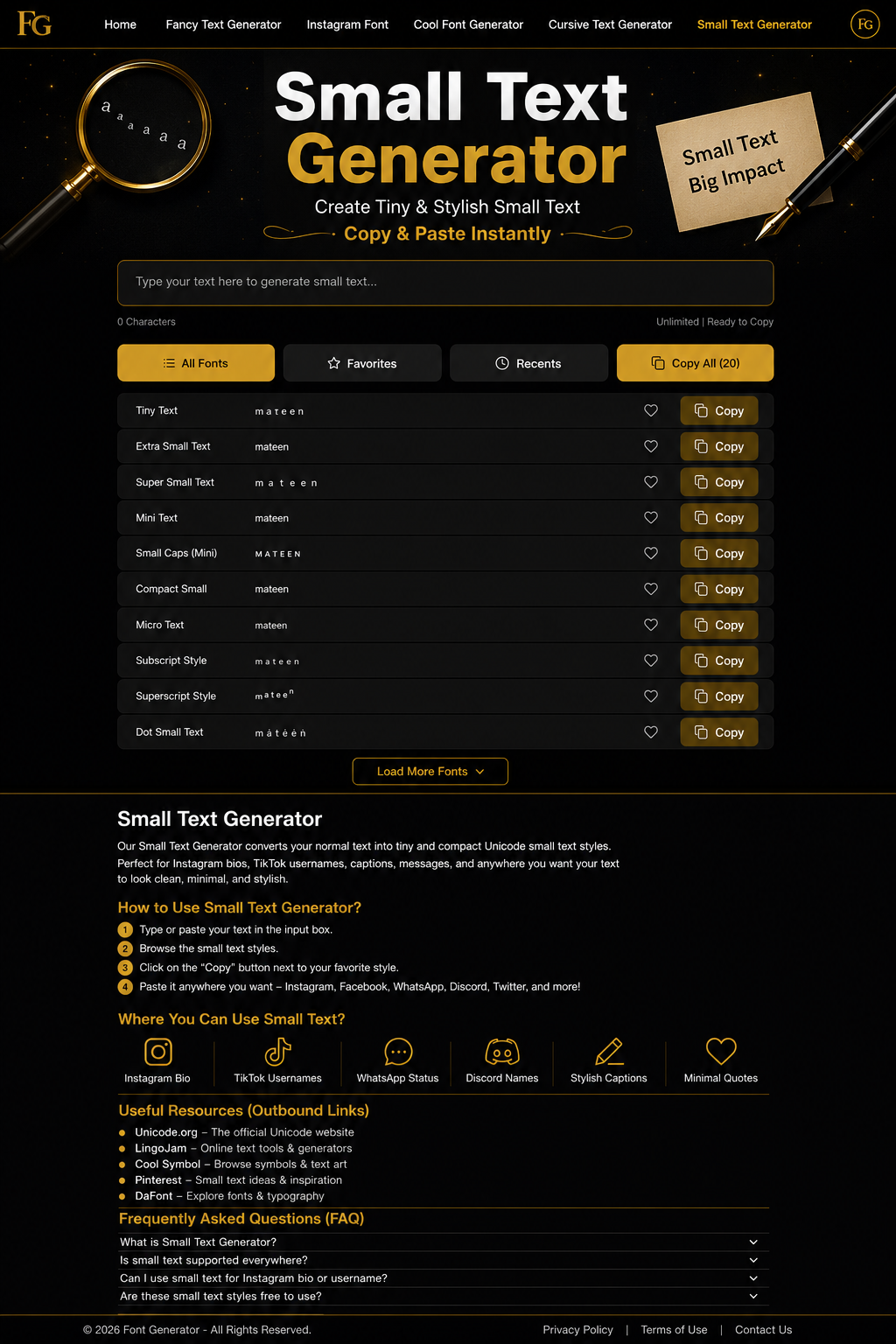
Create small Unicode text with small caps, superscript, subscript and tiny fonts for bios, usernames, captions, Discord and TikTok.
Popular Uses for Small Text
Use tiny Unicode text to keep names, bios, captions and labels compact while still giving them a distinctive style.
Instagram Bios
Use small caps and superscript text for compact profile descriptions and short bio labels.
TikTok Usernames
Add small Unicode accents to display names, bios and short profile text where supported.
Discord Profiles
Use compact text for nicknames, server labels, role titles and status text.
Gaming Names
Create short compact display names for games that support Unicode characters.
Captions & Notes
Use superscript or small caps for short side notes, labels and caption accents.
Messages
Add small Unicode words to chats and status messages where supported.
Aesthetic Profiles
Combine compact text with subtle stars, dots and brackets for a neat aesthetic.
Creator Labels
Create compact category names, credit lines and creator profile labels.
How to Use the Small Text Generator
Generate tiny copy-and-paste text in three simple steps.
Enter Your Text
Type a name, bio, username, caption, note or message into the text box.
Choose a Small Style
Browse Small Caps, Superscript, Subscript, Tiny Mix and the compact decorative variants already included in the homepage Small library.
Copy & Paste
Click Copy and paste the generated small Unicode text into a supported profile, caption, username or message.
Popular Small Text Styles
The Small Text Generator uses the same Small category already available on the homepage.
How Small Unicode Text Works
Small text styles use special Unicode characters such as small caps, superscript and subscript. You can explore these characters through the official Unicode character charts.
Unlike changing the visual font size, a Small Text Generator converts regular letters into compact Unicode characters that can be copied and pasted. Learn more about how Unicode works from the Unicode Standard.
Why Use Our Small Text Generator
A focused Small Text tool using the same compact Unicode style library as the homepage.
Small-Focused Library
Only the homepage Small category is shown on this page.
Multiple Tiny Forms
Includes Small Caps, Superscript, Subscript and Tiny Mix styles.
Light Decorations
Compact dots, stars, sparkles, brackets and minimal decorations are included without overwhelming the text.
One-Click Copy
Copy any generated Small text result directly from the result card.
Mobile Ready
Generate and copy tiny text on desktop, tablet and mobile browsers.
Free to Use
No account, download or subscription is required.
How Small Text Styles Work
Small text is made with special Unicode characters rather than a font-size setting.
• Small Caps
Small caps replace many lowercase letters with compact uppercase-like Unicode characters such as ᴀ, ʙ and ᴄ.
• Superscript & Subscript
Superscript characters sit visually above normal text, while subscript characters sit lower. Unicode does not provide a perfect small version of every letter, so some characters can remain standard.
• Copyable Text
The output is text, not an image. That means supported Small Unicode characters can be copied and pasted into many modern apps and websites.
Small Text Compatibility
Most modern platforms support common small Unicode characters, although exact coverage can vary by character and text field.
Popular Uses
- Instagram bios and captions
- TikTok display names and bios
- Discord nicknames and status text
- Gaming display names
- Compact notes and profile labels
Good to Know
- Not every letter has a superscript or subscript equivalent
- Some usernames restrict special Unicode
- Older devices may miss certain glyphs
- Tiny text can be harder to read in long passages
- Short labels and names usually work best
Explore More Font Generators
Explore our collection of specialized Unicode text generators for every style and platform.
Fancy Text Generator
Instagram Font
Bubble Text Generator
Bold Text Generator
Adopt Me Font Generator
Cool Font Generator
Cursive Text Generator
Small Text Generator
Glitch Text Generator
Emoji Text Generator
Gothic Font Generator
Papyrus Font Generator
Superscript Font Generator
Subscript Font Generator
Text Art Generator
Mirror Text Generator
Tiny Text Generator
Small Text Takeaways
A quick summary of the Small Text Generator.
Small Text Generator FAQs
Common questions about Small Caps, Superscript, Subscript, tiny Unicode text and copy-and-paste compatibility.
Ready to Create Small Text?
Type your text, browse tiny Unicode styles and copy your favorite result.
Create Small Text Now