Gothic Font Generator
Create Gothic text instantly with copy-and-paste Unicode styles. Type your text, preview Fraktur and blackletter-inspired results, then copy your favorite Gothic style.
Popular Uses for Gothic Text
Gothic and blackletter-style text is popular when you want a dramatic, medieval or dark visual identity.
Instagram Bios
Add Gothic Unicode text to bios, profile names and captions where supported.
TikTok Profiles
Create distinctive display names and short captions with blackletter-style characters.
Discord Names
Use Fraktur and Gothic lettering for nicknames, role names and profile text.
Gaming Names
Create dark, medieval and fantasy-inspired gaming names that stand out visually.
Dark Aesthetic Text
Use Gothic lettering for dark, metal, fantasy, horror and medieval visual themes.
Headings & Titles
Generate decorative Gothic headings for posts, banners and short creative text.
Usernames
Try Gothic characters in supported username and display-name fields.
Copy & Paste Text
The generated styles are Unicode characters, so they can be copied directly where those characters are supported.
What Is Gothic Text?
Gothic text usually refers to blackletter-inspired lettering with sharp, dramatic shapes associated with medieval European writing and Fraktur typography.
Blackletter Appearance
Gothic lettering is known for dense strokes, angular forms and a strong historical visual character.
Unicode Gothic Styles
This generator uses Unicode Fraktur-style characters so the results remain copyable text rather than images.
Dark & Medieval Look
Gothic text is commonly used for fantasy, medieval, metal, horror and dark-aesthetic designs.
How to Use the Gothic Font Generator
Create copy-and-paste Gothic text in three simple steps.
Enter Your Text
Type a name, username, caption, title or phrase into the text box.
Browse Gothic Styles
Preview multiple Fraktur and blackletter-inspired Unicode variations.
Copy & Paste
Click Copy beside your favorite Gothic result and paste it into a compatible app or website.
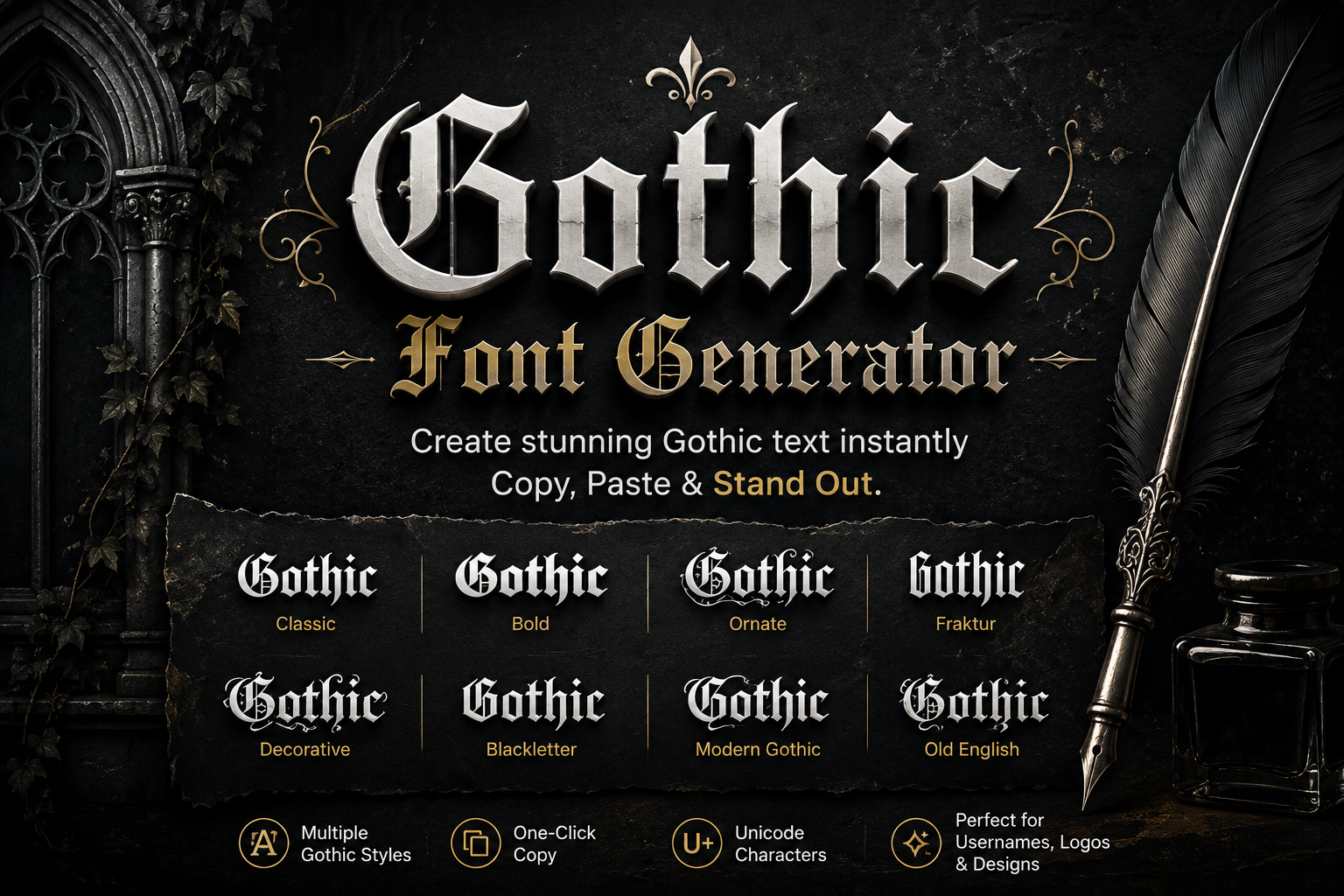
Gothic Text Examples
Examples of the blackletter and Fraktur-style characters generated by this tool.
Why Use Our Gothic Font Generator?
A focused tool dedicated to Gothic and blackletter-style text.
Gothic-Only Results
The generator stays focused on Gothic, Fraktur and blackletter-style text instead of mixing unrelated font categories.
Copyable Unicode
The results use Unicode characters, so you can copy and paste them into compatible apps and websites.
Multiple Variations
Choose from classic Fraktur, bold Fraktur and decorated Gothic combinations.
One-Click Copy
Every result has its own Copy button for quick use.
No Registration
Generate Gothic text directly in your browser without creating an account.
Mobile Responsive
Use the Gothic Font Generator on desktop, tablet and mobile screens.
How Gothic Unicode Text Works
The tool replaces standard Latin letters with visually similar Unicode Fraktur characters.
Unicode Characters
The generated letters are Unicode characters rather than a downloadable font file.
Fraktur Alphabets
Unicode includes mathematical Fraktur and bold Fraktur letter forms that visually resemble Gothic blackletter text.
Copyable Output
Because the output is text, you can copy and paste it wherever the destination supports those Unicode characters.
Gothic Text Compatibility
Most modern devices can display Fraktur Unicode, but support can vary between platforms and individual text fields.
Popular Places to Try It
- Instagram bios and captions
- TikTok display text
- Discord profiles and messages
- Gaming names and clan text
- Social posts and creative headings
Good to Know
- Some username fields restrict unusual Unicode characters
- Appearance can vary slightly by device and operating system
- Older devices may show unsupported characters as boxes
- Gothic Unicode is different from installing a traditional blackletter font
- Shorter Gothic text is usually easier to read
Explore More Font Generators
Explore our other specialized font and text generators.
Soon
Soon
Gothic Font Key Takeaways
Everything you need to know about the Gothic Font Generator at a glance.
- The generator focuses specifically on Gothic, Fraktur and blackletter-style text.
- The results use Unicode characters and remain copyable text.
- Classic and bold Fraktur variations are included.
- Every result includes a one-click Copy button.
- Gothic text can be used in many supported social, gaming and messaging fields.
- The tool works directly in the browser and is mobile responsive.
Gothic Font Generator FAQs
Common questions about Gothic text, Fraktur Unicode and copy-and-paste compatibility.
What is a Gothic Font Generator?
A Gothic Font Generator converts normal letters into Gothic and Fraktur-style Unicode characters that can be copied and pasted into compatible apps and websites.
Can I copy and paste Gothic text?
Yes. The generated results use Unicode characters rather than images, so you can copy the text and paste it where those characters are supported.
What is Fraktur text?
Fraktur is a blackletter style historically associated with German and European typography. Unicode includes mathematical Fraktur characters that can be used for decorative text.
Can I use Gothic text on Instagram, TikTok and Discord?
Many Gothic Unicode styles work in supported bios, captions, display names and messages, although individual platforms may restrict some special characters.
Why do some Gothic letters look different?
Unicode Fraktur includes a few historic letter forms and compatibility characters, so some uppercase letters differ slightly from the surrounding alphabet.
Is the Gothic Font Generator free?
Yes. It is free to use and does not require registration or font installation.
Ready to Create Gothic Text?
Type your text, browse Gothic styles and copy your favorite result.
Create Gothic Text Now