Subscript Font Generator
Subscript Font Generator helps you create tiny lowered Unicode text instantly. Type letters and numbers—including subscript 1, subscript 2 and subscript 3—then copy and paste the result into chemistry formulas, math notation, notes, bios, captions and supported documents.
Popular Uses for Subscript Text
Subscript Unicode is useful anywhere you want small lowered characters without relying on rich-text formatting.
Instagram Bios
Add tiny lowered text to names, bios and decorative profile lines.
Usernames
Create compact subscript details for supported display names and gaming profiles.
Math & Indices
Write copyable expressions such as x₁, x₂ and lowered numbers in plain text.
Footnotes
Create lowered numbers and short markers for notes, references and annotations.
Discord & Chat
Use tiny lowered Unicode text in messages and supported profile fields.
Captions
Add subtle subscript accents to social captions without changing the entire line.
Ordinals
Create lowered characters and numbers for compact subscript-style text.
Aesthetic Text
Combine subscript letters with restrained Unicode symbols for decorative text.
What Is Subscript Text?
Subscript characters are small Unicode characters that sit below the normal text baseline.
Unicode Characters
The generator replaces supported letters and numbers with Unicode subscript characters rather than changing CSS font size.
Copy & Paste
Because the output is text, supported subscript characters keep their lowered appearance when copied into many apps and websites.
Uneven Letter Coverage
Unicode does not provide a perfectly matched subscript form for every Latin letter, so a few characters use the closest readable lowered alternative.
How to Use the Subscript Font Generator
Create copyable subscript text in three simple steps.
Enter Your Text
Type a word, username, number, equation or phrase into the text box.
Choose a Style
Browse the lowered Unicode results, with the most attractive subscript variations shown first.
Copy & Paste
Click Copy beside a result and paste it into a supported app, profile, post or document.
Subscript Text Examples
A quick look at lowered Unicode lettering produced by this generator.
Subscript Font Generator
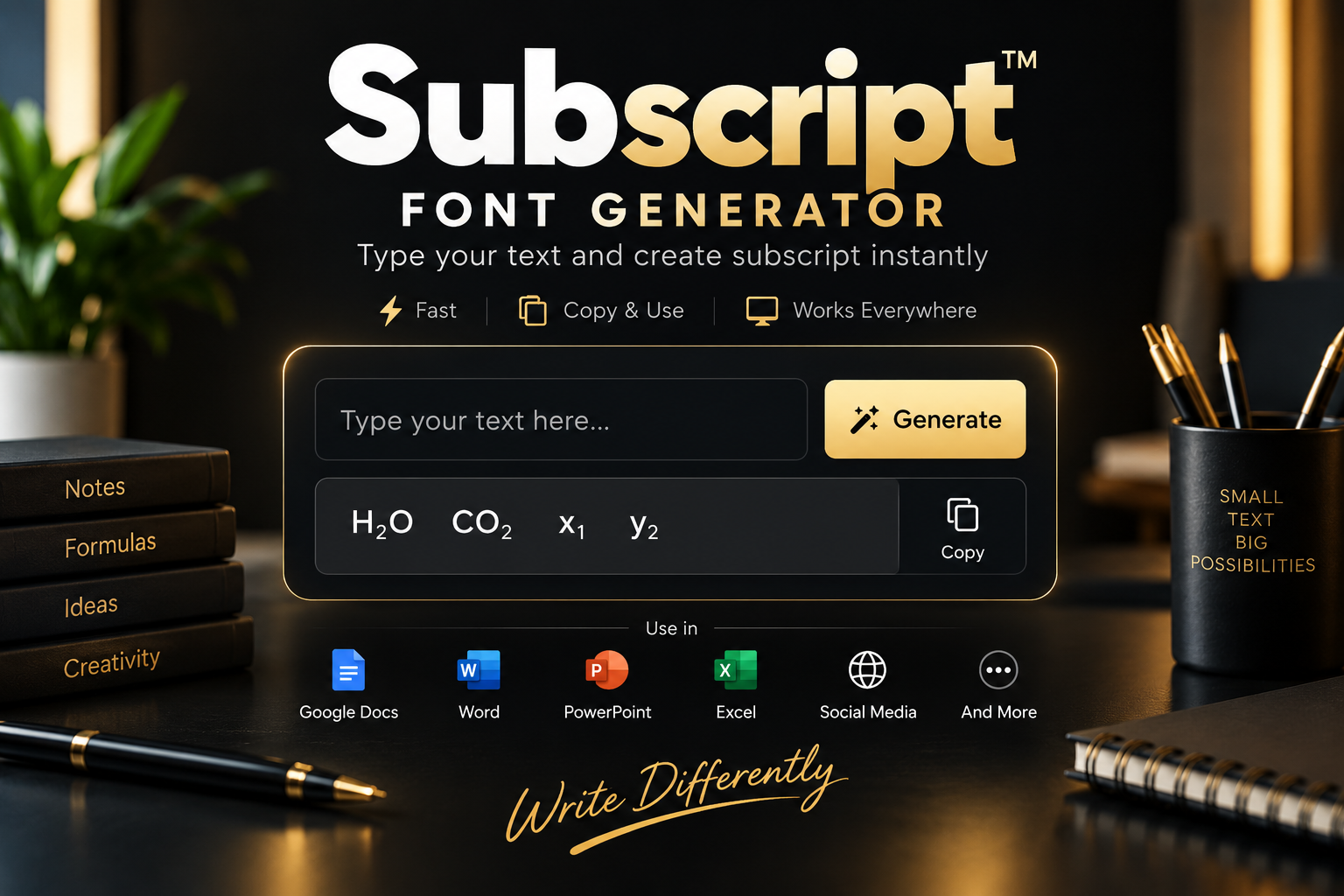
Create tiny lowered Unicode letters and numbers for chemistry formulas, math notation, documents, captions and more.
Why Use Our Subscript Font Generator?
A focused generator built for subscript Unicode rather than unrelated font categories.
Subscript Focused
Every generated row keeps the core tiny lowered subscript appearance.
Attractive Styles First
Decorative but readable subscript variations appear before the simpler utility styles.
Instant Conversion
Results update automatically while you type.
One-Click Copy
Copy any subscript result directly without downloading a font file.
Letters & Numbers
Convert supported alphabetic characters, digits, plus, minus, equals and parentheses.
Responsive Tool
Use the subscript generator on desktop, tablet and mobile screens.
How Subscript Unicode Works
The lowered appearance comes from Unicode characters, not from installing a separate font. See the official Unicode Superscripts and Subscripts chart for encoded characters.
Subscript Characters
Supported alphabetic results use Unicode characters designed to appear smaller and lowered.
Subscript Digits
Numbers ₀₁₂₃₄₅₆₇₈₉ and common mathematical symbols have dedicated subscript forms.
Fallback Characters
Where Unicode lacks a perfect lowered equivalent, the generator uses the nearest readable character or keeps the original.
How to Do Subscript in Google Docs, Word, PowerPoint and Excel
If you searched for a subscript shortcut or how to subscript in common document apps, there are two useful approaches: native formatting or copy-and-paste Unicode.
Subscript in Google Docs
For normal document formatting, select the text and use Google Docs’ subscript formatting option. If you need portable lowered characters, generate the Unicode version here and copy and paste it.
Subscript in Word
Microsoft Word supports native subscript formatting for selected text. See Microsoft Support’s formatting guide. This generator is useful when you specifically need copyable Unicode subscript characters outside the document.
Subscript in PowerPoint
PowerPoint can format selected characters as subscript for slides. Unicode subscript is useful when you want lowered characters that remain part of the text itself.
Subscript in Excel
Excel can visually format characters as subscript in supported cells. For short labels such as x₂ or lowered digits that need to be copied elsewhere, use the generated Unicode result.
Subscript 1, 2 and 3 Copy & Paste
The most commonly searched lowered numbers are available directly as Unicode characters.
Subscript 1
₁
Use ₁ for lowered number one in indices, labels and short expressions.
Subscript 2
₂
Use ₂ for lowered indices and expressions such as x₂ or H₂O.
Subscript 3
₃
Use ₃ for lowered indices and expressions such as x₃ or NH₃.
Subscript Text Compatibility
Unicode subscript works in many modern apps, but individual platforms and fonts can display some characters differently.
Common Uses
- Instagram bios and captions
- Discord and chat messages
- TikTok profile text
- Math indices and chemical formulas
- Gaming display names
Good to Know
- Subscript output is Unicode text, not a downloadable font
- Some letters have no perfect subscript equivalent
- Appearance can vary slightly between devices
- Some username fields restrict special Unicode characters
- Plain essential information should remain readable for accessibility
Explore More Font Generators
Explore our other specialized font and text generators.
Subscript Font Generator Key Takeaways
Everything you need to know about this subscript Unicode generator at a glance.
- The generator converts supported letters and numbers into lowered Unicode characters.
- Attractive subscript variations appear first, followed by cleaner utility styles.
- Results update instantly while you type and can be copied with one click.
- Subscript text can be used in many bios, captions, messages, notes and display names.
- Unicode does not provide a perfectly matched subscript form for every Latin character.
- Linked Superscript, Subscript and Text Art generator buttons are included.
Subscript Font Generator FAQs
Common questions about subscript Unicode, copy-and-paste text and compatibility.
What is a Subscript Font Generator?
A Subscript Font Generator converts normal letters and numbers into small lowered Unicode characters that can be copied and pasted into many websites and apps.
Is subscript text a real font?
No. Copyable subscript text uses Unicode modifier letters and superscript characters rather than a downloadable font file.
Can I copy and paste subscript text?
Yes. Click Copy beside any result and paste it into a compatible bio, caption, message, document or display name.
Why do some superscript letters look slightly different?
Unicode developed lowered characters for several different purposes, so the available alphabet is not perfectly uniform. The generator uses the closest readable equivalents where necessary.
Can I make superscript numbers such as x²?
Yes. The generator supports superscript digits ₀₁₂₃₄₅₆₇₈₉ along with common raised mathematical symbols.
How do I superscript in Google Docs?
Google Docs has a built-in subscript formatting option for selected text. See the official Google Docs keyboard shortcuts. If you need lowered characters that can be copied as Unicode text, type them into this subscript generator and copy the generated result.
What is the superscript shortcut?
Superscript shortcuts depend on the application and operating system. This generator avoids application-specific formatting by creating copy-and-paste Unicode superscript characters directly.
How do I type subscript 1, 2 and 3?
You can copy the Unicode characters ¹, ² and ³ directly, or type 1, 2 and 3 into the generator to convert them automatically.
Can I use superscript in Word, PowerPoint and Excel?
Yes. These Microsoft applications support native subscript formatting, while this tool creates Unicode subscript text that can also be copied into many compatible fields and applications.
Is the Subscript Font Generator free?
Yes. You can generate and copy subscript Unicode text without registration or payment.
Ready to Create Superscript Text?
Enter your text, choose a lowered Unicode style and copy your favorite result instantly.
Create Superscript Text Now